

Explore
Not sure where to start? Open Explore to browse curated WorkBuddy masterpieces created by the community.
Find one you like, click Make My Version, and the system will automatically configure the Prompt, Skill, and Expert settings — zero configuration needed to generate your own version.
Feature Details
Full Scenario Coverage: Seven carefully crafted scenarios covering high-frequency daily and work needs. Pick what you need — no need to start from scratch.
One-Click Replicate, Say Goodbye to Blank Pages: Select a case you like, and the system automatically pre-fills the Prompt, loads associated Skills and Expert configurations, and generates your custom version directly.
Save Tokens, Better Value: Optimized case context reduces redundant consumption and improves generation quality. Make every Credit count.
Community Wisdom: Reuse expert experience and quickly master scenario-based best practices.
Workflow
Open Explore
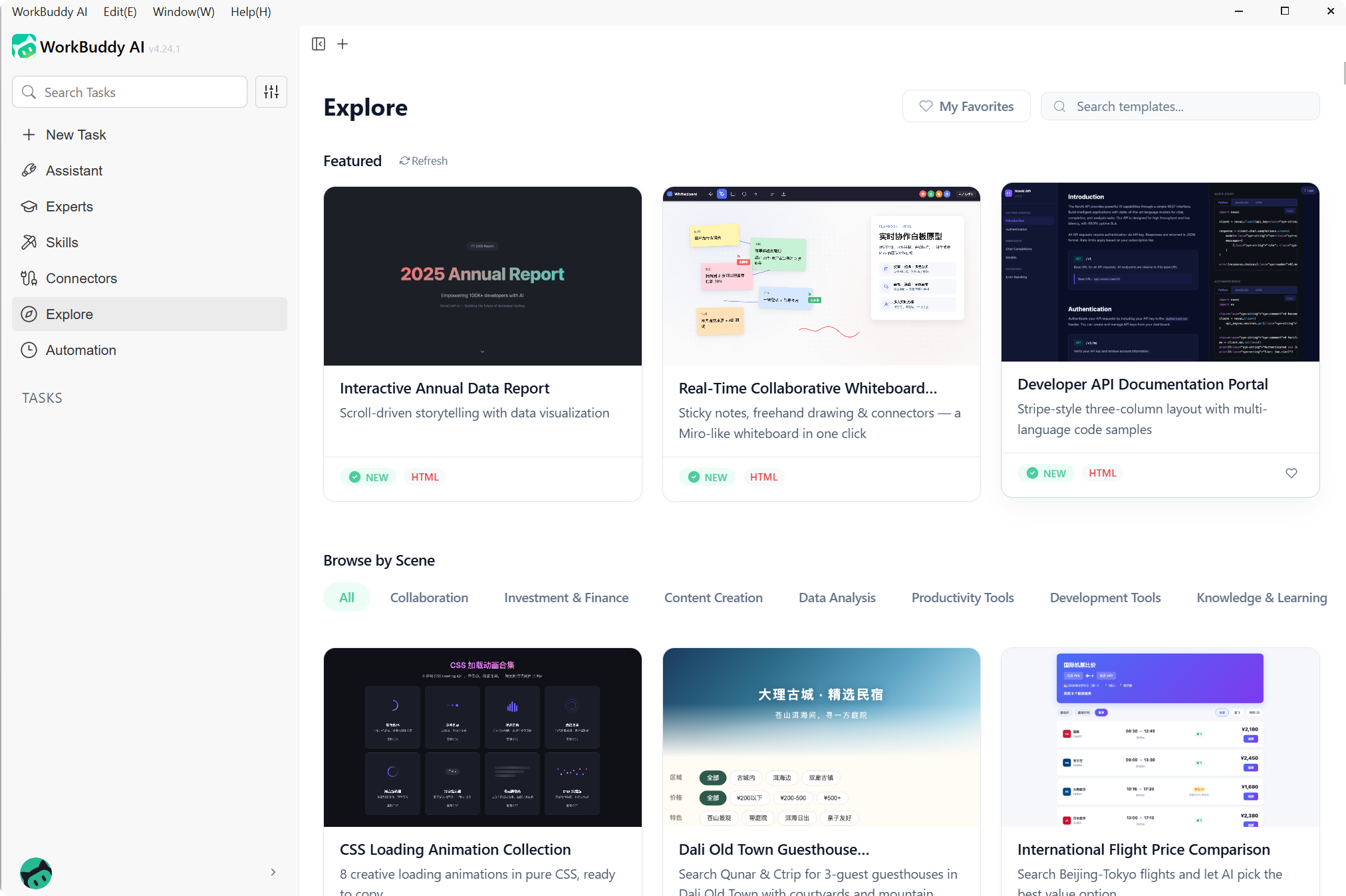
Click More in the left sidebar to enter Explore. You can randomly select popular cases from the Featured section or search for cases by scenario category.
Select a Case
Click on a case to view the preview, toolset used, and detailed introduction. You can also favorite standout cases with a heart.
Start Creating
Click Make My Version, and WorkBuddy automatically pre-fills the Prompt, loads associated Skills and Expert configurations. You can generate directly or modify details to create your custom version.
View Results
View generation results in the right-side output panel. When generating web files, the built-in browser opens automatically to preview the result:
Explore vs. Skill vs. Expert
Skills and Experts are tools in the toolbox; Explore is the real portfolio of works created with those tools.
| Module | Role | Question It Answers |
|---|---|---|
| Skill | Capability | What can WorkBuddy do |
| Expert | Capability | Who in WorkBuddy can help me |
| Explore | Output | What has actually been created with these capabilities |